Charging your cell phone with solar power: what really works?
Charging your cell phone using sunlight is perfectly possible — just not in the way the internet usually promises. Let's start with what matters: No app charges your phone battery using solar power.. There is no app that captures light from the screen, camera, or light sensor and converts it into battery power.
The reason is physical. To generate electricity from light, a photovoltaic cell is needed — a component of hardware, That's what smartphones don't have. The screen does the opposite: it consumes energy to emit light. The light sensor only measures the ambient brightness to adjust the screen, using a minuscule current that would never be enough to charge anything. Software doesn't create energy.
That said, solar charging is real and quite useful for camping, traveling, rural areas, or power outages. However, the work is done by an external device. In this guide, you'll understand how it really works, what to buy, and which apps truly help in this scenario.
Why can't any app charge the battery?
There are dozens of apps with names like "solar charger," "solar battery," or "solar battery." Most work like this: they show an animation of a solar panel, a percentage rising on the screen, and a "energy collection" bar—all purely decorative. Meanwhile, they display ads. Some even go so far as to... to spend They use more battery than usual because they keep the screen on and the animation running.
None of these apps are capable of:
- Convert the light hitting the screen into an electrical charge.
- Using the camera to "capture" solar energy.
- Increase the actual battery capacity of the device.
- Charging your cell phone without any power source connected.
The same general rule applies as for any battery app: Software doesn't add power; at most, it helps the charge last longer., reducing consumption. Anyone who promises otherwise is lying.
What actually charges a cell phone in the sun?
Three types of equipment can solve the problem, each with a specific usage profile:
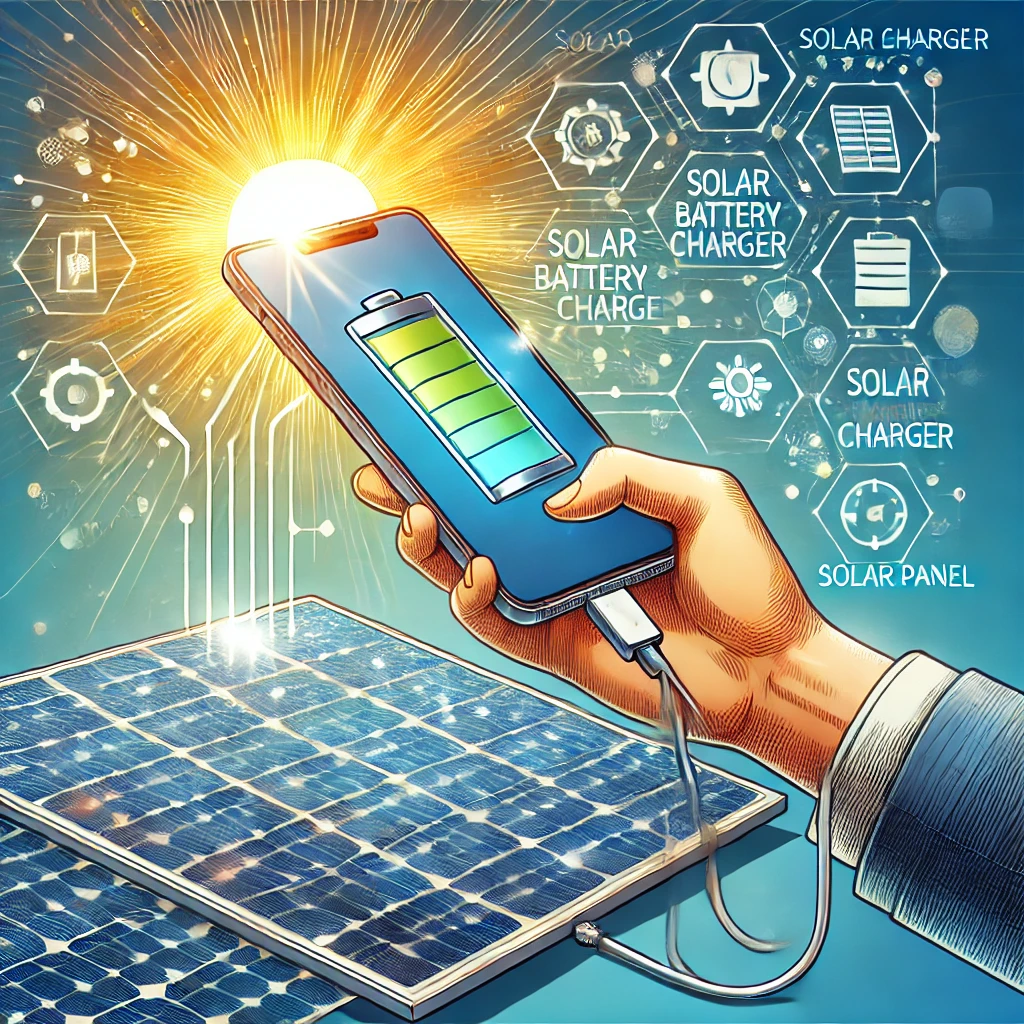
- Foldable solar panel with USB output. It's the most efficient option. They are fabric or canvas panels that open like a wallet, with power that usually varies from about 10 W to over 100 W. The larger the area exposed to the sun, the faster the charging. Small models, from 10 to 21 W, are enough to charge a cell phone in a few hours of strong sunlight.
- Power bank with built-in control panel. It's the famous "solar charger" from the display case. It works, but the small panel on the lid has a tiny area: charging the internal battery with just sunlight can take days. In practice, it's a regular power bank that you charge using a wall outlet, and the panel serves as an emergency backup.
- Portable power station with solar input. Larger battery, ideal for long camping trips or prolonged power outages. Charges laptops, fans, and multiple cell phones, and accepts external solar panels.
One detail that makes a difference: charging your cell phone. straight from the panel It can be unstable because the current drops when a cloud passes, and the device sometimes interrupts charging. The most reliable setup is to connect the panel to a power bank and then charge the phone using the power bank. This way, the intermediate battery absorbs the fluctuations.
2 apps that really help
Neither of them generates energy — that much is clear. What they do is measure the current reaching the device and show whether your solar equipment is delivering what it should. Both are available on the Brazilian Google Play Store.
AccuBattery – Battery. It shows the charging speed in real time, estimates how much capacity your battery has lost with use, and records the history of each cycle. It's the ideal tool to answer the practical question of anyone who bought a panel: "Is this really charging or just keeping the device on?". It also alerts you when the charge reaches a defined percentage, which helps preserve the battery in the long term. Only for Android.

Ampere. It does just one thing, and it does it well: it measures the charging and discharging current in milliamperes. It's useful for comparing power sources—wall outlet, computer, power bank, solar panel—and finding out which one is actually delivering current. If the panel is poorly positioned or the cable is bad, the number drops instantly, and you'll notice it in the same measurement. Android only.

An extra benefit for those who already have solar installation at home.
The following app doesn't count towards charging your phone—it's in a different category and serves a specific audience. If you don't have a solar power plant installed, you can skip this section without missing anything.
SolarPower. It's aimed at those who have a solar installation at home or on their property. The app connects via Wi-Fi to compatible hybrid inverters and displays generation, consumption, and battery status of the system. In other words, it's a control panel for the power plant, not a mobile phone tool. It doesn't help in any way to charge the device in the sun and doesn't replace AccuBattery or Ampere when measuring the charge.
A word of warning: it only makes sense to install if you already have a compatible inverter. The low rating in the store — 3.1, the lowest on this page — comes precisely from those who downloaded it expecting something else or tried to use it with incompatible equipment. Besides Google Play, it's also published on the Brazilian App Store, where it appears as... SolarPower Wi-Fi.

How to choose a solar charger
If the idea is to buy real equipment, it's worth considering five points:
- Power in watts. It's the number that matters most. A 5W panel is almost decorative; the difference becomes apparent from 20W onwards. Be wary of high wattage advertised for a very small panel—the area doesn't allow for it.
- Output type. USB-C with Power Delivery charges much faster than older USB-A connections and is the standard for current cell phones.
- Resistance. Solar chargers thrive outdoors. Reinforced stitching, eyelets for attaching to a backpack, and some water protection are very helpful.
- Weight and size doubled. An efficient dashboard is useless if you don't want to carry it on the trail.
- Battery capacity, if any. In a solar power bank, the panel is an accessory: the actual autonomy comes from the milliampere-hours of the internal battery.
How to make solar charging last longer
With the equipment in hand, certain habits double the results:
Step 1: Point the panel as perpendicular as possible to the sun's rays and reposition it every hour or two, following the sun's movement.
Step 2: Avoid partial shade. A leaf or backpack strap covering a portion of the panel already reduces the generation much more than the covered area suggests.
Step 3: Keep your phone in the shade while it's charging. Excessive heat causes the device to reduce or stop charging to protect the battery.
Step 4: Charge the device in airplane mode or when it's turned off. Without a network connection and without a screen, the same current lasts much longer.
Step 5: Use a short, good quality cable. Long, thin cables lose current along the way, and in solar charging, every milliampere counts.
Step 6: If possible, connect the dashboard to a power bank during the day and charge your phone at night using the power bank. This is the most stable setup.
Step 7: Check the result with Ampere or AccuBattery. If the current is too low, the problem is almost always the angle, shade, cable, or heat.
How to recognize a deceptive app
Signs that indicate the app doesn't deliver on its promises:
- It says it charges the battery using the screen light, the camera, or the light sensor.
- Shows the percentage of charge "captured" without any equipment connected.
- It promises to increase battery capacity or "revive" a worn-out battery.
- It has images of solar panels and sun rays, but a vague description of what it actually does.
- It requests permissions that have nothing to do with the battery, such as contacts, SMS, or files.
Frequently asked questions
Is there an app that charges your cell phone using solar power?
No. Generating electricity from light requires photovoltaic cells, which are hardware. No software can do that, in any cell phone model.
And what about the cell phone screen? Can't we take advantage of the light that hits it?
No. The screen is designed to emit light, not to absorb it and convert it into energy. It is one of the biggest consumers of battery power in the device.
How long does it take to charge in the sun?
It depends on the panel's power, the angle, and the intensity of the sun. A 20W foldable panel in strong sunlight will charge a cell phone in a few hours. A power bank with a built-in panel can take days to fully charge using only sunlight.
Does it work on a cloudy day?
It works, but with much lower power generation. Solar panels depend on radiation, and clouds greatly reduce the current delivered.
Does charging in the sun damage the battery?
Charging itself doesn't cause damage. What's harmful is the heat: a cell phone exposed to direct sunlight heats up, and the heat accelerates battery wear. Leave the screen in the sun and the device in the shade.
Is it worth buying a solar power bank?
It functions as a power bank that you charge from a wall outlet, with the solar panel serving as an emergency backup. If the intention is to rely solely on solar power, a separate foldable panel is much more efficient.
Conclusion
Charging your cell phone with solar energy is real, practical, and increasingly accessible — but it depends on... physical equipmentFoldable panel, solar power bank, or portable station. No app can replace a photovoltaic cell, and any app that promises that is just selling animations and ads.
The role of software here is different and remains valuable: with AccuBattery and Ampere you can measure whether the panel is actually delivering current, find out which cable or position performs best, and monitor the battery's health over time. Those with home solar installations can also monitor the system through the inverter's own app.
Buy the right solar panel, position it correctly, keep the device in the shade, and use apps to check the results. That way, the sun will truly charge your phone.
Do you use a solar charger that has worked well for you? Write to us. contato@noticiatecnologia.com.