Apps for watching free TV on your phone: 7 official options
Watching TV on your cell phone without paying a subscription is possible and simpler than it seems — as long as you use the right apps. Brazilian broadcasters now maintain their own streaming services, with live signals and an on-demand catalog available for free, supported by advertising. Add to that free platforms with dozens of themed channels, and you can put together a very complete viewing schedule without spending a penny.
In this guide, we've compiled seven official apps, all verified in Brazilian app stores (Google Play and App Store), detailing what each offers for free and where the paid features eventually begin. We also explain why apps that promise "free digital TV" with pay-TV channels don't deliver on their claims—and what to do to avoid using up all your data allowance mid-month.
How does free TV work on your cell phone?
It's important to clarify a common misconception. The vast majority of cell phones sold in Brazil It does not have a digital TV tuner.The device doesn't pick up the over-the-air signal that your home antenna receives. What these apps do is different—they transmit content over the internet, in the same way as any streaming service. That's why they work anywhere with a connection, but they consume data.
Since content travels over the internet, each broadcaster decides what to release. The current Brazilian standard is generous: the live signal of the free-to-air channel is usually accessible for free on the official app, with commercial breaks, and a portion of the catalog is available on demand. Subscription channels, exclusive sports competitions, and premium catalogs, however, remain in paid plans because they involve separate rights contracts.
Another important difference: the internet broadcast arrives a few seconds after the TV broadcast. This isn't a defect in the app, it's a characteristic of the technology. In games and live programs, this means that whoever is watching via antenna will react before you.
7 apps to watch free TV on your phone
All of the following apps are free to download, published by the broadcasters themselves or by licensed services, and are available in official Brazilian app stores.
1. Pluto TV
O PlutoTV It's the experience most similar to channel surfing on TV: dozens of linear channels organized by theme — movies, series, cartoons, news, documentaries, reality shows, and comedy — that broadcast continuous programming, in addition to an on-demand section to choose title by title.
It's completely free, with no paid plan or trial period, and is supported by ads. An account is optional and only serves to save favorites. It's available for Android and iPhone. Since the channel lineup changes frequently, it's worth checking the full list within the app from time to time.
2. Globoplay
O Globoplay It's Globo's platform and it has a free, ad-supported tier that provides access to some of the content: clips, episodes released by the network, variety shows, and news material.
Be realistic about the limit. Live channels, a complete catalog of soap operas and series, and original productions are all included in the subscription plans. The app displays a padlock icon next to subscriber-only content. It's included in this list because of what it offers for free, not as a replacement for a paid package.
3. +SBT
O SBT It's the broadcaster's streaming service and one of the few services that's truly free from start to finish: in the store, it appears... no integrated purchases. It brings together live channels, talk shows, the network's archive of soap operas, series, cartoons, and a selection of films.
It works on Android and iPhone, clearly separates live from on-demand content, and saves your progress. For those who want to watch free-to-air TV programming on their mobile phone without a paid subscription, it's one of the best options available.
4. RecordPlus
O RecordPlus It's Record's streaming service. It offers the channel's live signal, news, talk shows, and part of its drama archive — including the major productions that have marked the channel's history.
There is a free tier with ads and a optional paid plan For extra content: the app's page in the store indicates in-app purchases. Before you start watching, check the title's label to see if it's free or a subscription-only title.
5. Bandplay
O Bandplay It's the official Band app, free and without in-app purchases. It offers the channel's programming live and on demand: news, sports, entertainment, as well as a selection of movies and series.
It's lightweight, works on Android and iPhone, and allows you to rewatch previous episodes of various programs. For those who follow the channel's sports coverage and news, it works well on mobile.
6. Play Culture
O Culture Play It is the free streaming service of TV Cultura, maintained by the Padre Anchieta Foundation. It brings together the best of the channel's programming and the group's radio stations: cultural programs, interviews, journalism, educational content, and a renowned children's programming block.
It's available in both stores, it's free, and there's no paid plan. It's the right choice for those looking for quality family programming, with reliable children's content and archive productions.
7. TV Brasil Play
O TV Brasil Play It's the app from EBC, the public broadcasting company. It offers series, documentaries, music programs, news, and children's content from the public broadcaster—all for free and, according to its own description in the store, without requiring registration.
It's free, has no ads or in-app purchases, and is available for Android and iPhone. It's worth downloading mainly for its collection of documentaries and educational children's programming.
Bonus for those who have a Samsung cell phone.
Those who use a Samsung Galaxy phone have an eighth channel already installed for free: the Samsung TV Plus, With dozens of free channels with ads, organized by theme, in the same continuous programming format as Pluto TV. No account creation or payment is required.
One important caveat: The service is exclusive to the manufacturer's devices.. It doesn't work on phones from other brands, so there's no point in looking for the app if your device is from another manufacturer — in that case, Pluto TV serves a very similar purpose.
What is not free TV: beware of "digital TV" and IPTV apps.
Searching for “free digital TV” in app stores and online returns dozens of generic apps, made by unknown developers, promising hundreds of free-to-air and pay-TV channels. It's worth repeating what we said at the beginning: The cell phone does not receive a digital TV signal.. These apps are, in practice, internet relays — and when they include subscription channels, they are doing so without authorization.
This is the same model as the illegal IPTV services that have been shut down by court decisions and enforcement operations in Brazil. Beyond the legal problem, there is a real security risk: since many are installed via files downloaded outside of the app store, they don't pass Google Play's verification process and request broad permissions on the device—a known entry point for malicious programs that steal passwords and bank codes.
The check is simple and takes ten seconds: open the app's page in the store and look at the developer's name. If it's not the official broadcaster, foundation, or service, don't install it. Apps that require installation via APK file from a website or messaging group should be discarded without a second thought.
Features of free TV apps
The official apps offer much more than just the live signal. Almost all of them allow you to rewatch previously aired programs, which is a lifesaver for those with busy schedules, and they provide image quality that automatically adjusts to your connection speed to prevent buffering.
Other common features include a favorites list for quick access to preferred channels and programs, premiere notifications, automatic resumption of where you left off, and wireless image transmission to the television. Subtitles and accessibility options are also present in most of them.
Tips to avoid exceeding your data allowance.
Reduce the quality on 4G.One hour of high-definition streaming can use over 1 GB. Almost all of these apps have a specific quality setting for mobile data – leave high definition for Wi-Fi only. On a mobile phone screen, the visual difference is much smaller than the difference in data consumption.
Choose Wi-Fi and take care of your battery.Live streaming is one of the most energy-intensive activities on a cell phone. A portable charger is a lifesaver for longer streaming sessions. Headphones improve audio and are helpful in noisy environments.
Keep your apps updated.Broadcasters frequently fix playback issues, and older versions crash more often. If the app starts taking up too much space, clear the cache in your device settings—this won't delete your account or favorites.
Conclusion
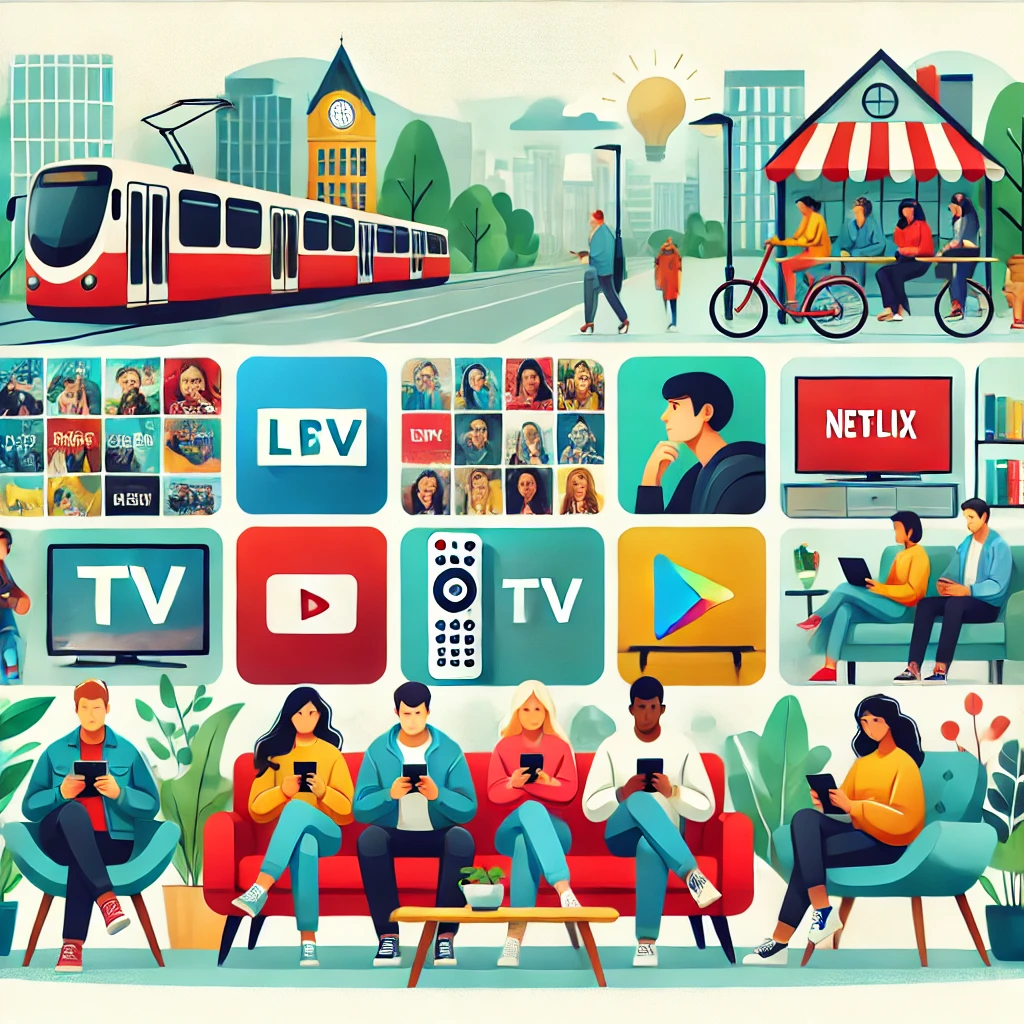
Watching free TV on your mobile phone today is a matter of installing the right apps: Pluto TV for themed channels, +SBT, RecordPlus, Bandplay, Cultura Play and TV Brasil Play for broadcaster programming, and Globoplay for what Globo offers in the free tier. Those with a Galaxy phone also have Samsung TV Plus already installed.
They are all available in official app stores, are free to download, and are supported by advertising, just like broadcast TV has always been. Avoid apps that promise free pay-TV channels: besides being irregular, they are unstable and risky for your device. If any of the services mentioned change their name or go offline, write to [email address/contact information]. contato@noticiatecnologia.com We've updated the guide.