5 best apps to simulate haircut and color
Changing your haircut or hair color is a nerve-wracking decision precisely because there's no going back quickly. Before sitting in the salon chair, you can get an idea of the result using apps that apply haircuts and colors to a photo of yourself, allowing you to compare various possibilities in just a few minutes.
We've compiled five apps that perform this type of simulation and are available in official app stores. Before the list, however, it's worth understanding what these tools actually deliver—and what they can't predict—so that the simulation helps in the decision-making process instead of creating an expectation that the mirror won't confirm.
What the simulation shows — and what it doesn't guarantee.
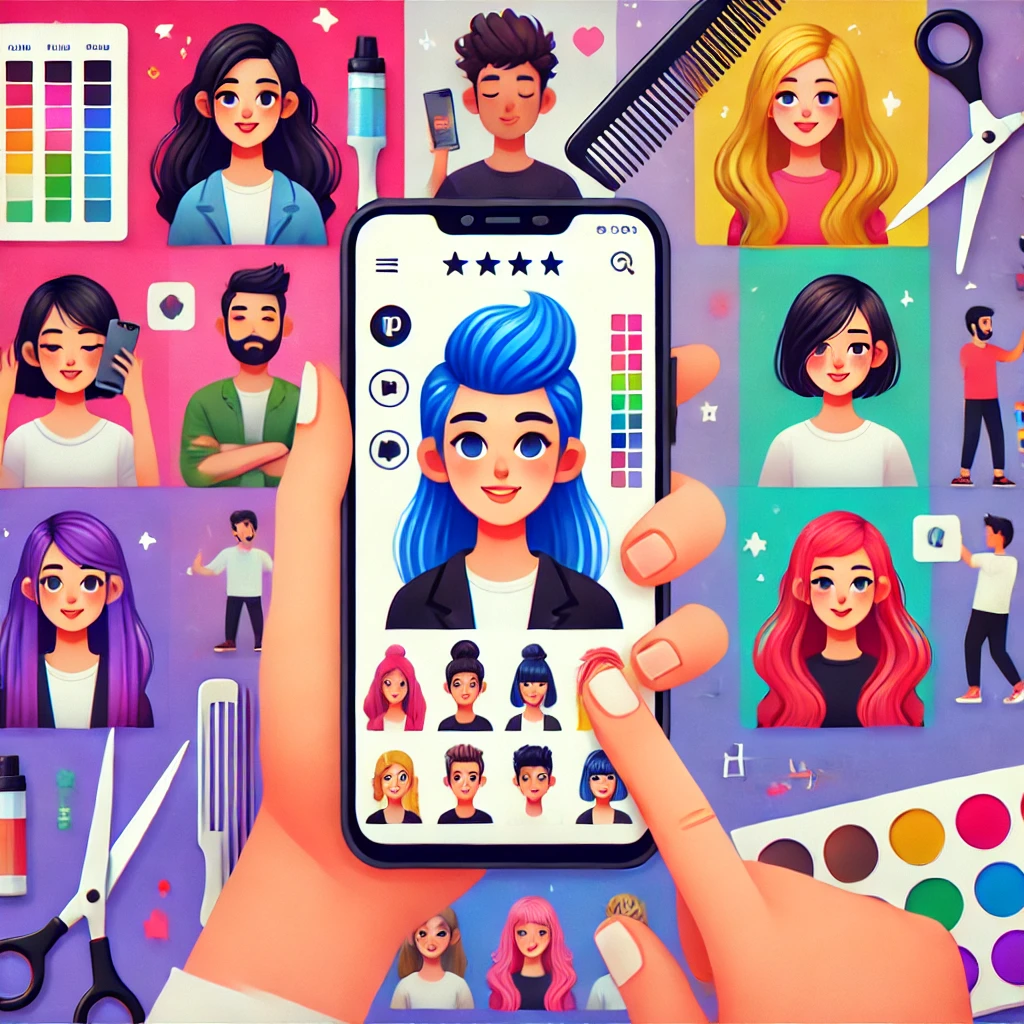
These apps are image editors: they identify the hair region in the photo and draw a new shape or color over it. The result is excellent for answering questions about hair shape — "do bangs suit my face?", "does short hair suit me?" — and for visualizing a color trend, such as cool blonde versus golden blonde.
What is the simulation? no What you can predict is how your real hair will behave. The final color of a coloring depends on your base color, the hair's chemical history, porosity, and processing time—which is why the same shade will look different on two people. Changes that require bleaching are the most unpredictable and damaging to the hair. Similarly, a simulated cut on straight hair won't behave the same way on wavy or curly hair. Use the simulation as a starting point for your conversation with the professional, not as a promise of results.
Benefits of using hair simulation apps
With a clear limit, the benefits are real. The first is quickly discarding what doesn't work: seeing your own face with five different haircuts in two minutes eliminates options that only looked good in someone else's photo. The second is communication—showing the simulation to the hairdresser is much more accurate than describing what you want in words.
The third is the possibility of asking for feedback. Most apps allow you to save versions and share them, making it easy to gather impressions from friends and family before deciding. And, since almost all of them are free to install and test, the cost of trying them out is zero.
5 best apps to simulate haircut and color
The five apps below are available in official app stores and allow you to simulate without paying. Some have ads and features reserved for subscription, which we indicate in each case.
1. YouCam Makeup
Listed on the Brazilian Google Play Store as YouCam Makeup: Face Editor and, in the Brazilian App Store, as YouCam Makeup: Photo Editor In both cases from Perfect Mobile Corp., it's the most complete in its category. Besides the virtual makeup that gives the app its name, it has a dedicated hair section with dozens of cuts and a wide color palette, including highlights, ombré, and fantasy shades. The simulation works both on a photo and in real time, via the camera.
The hair area detection is the most accurate among the tested apps, preventing color from "bleeding" onto the forehead and ears. It's available for Android and iPhone. The free version displays ads and marks some styles as premium, but the unlocked set already allows for a good comparison of options.
2. YouCam Perfect
O YouCam Perfect: Photo Editor — that's the name on Google Play; in the Brazilian App Store it appears as YouCam Perfect: AI Editing — is the sibling of the previous one, from the same developer, focusing on general photo editing. It also includes the hair color and style change module, with the advantage of allowing you to adjust the result within the editor itself — correcting lighting, smoothing edges, and retouching areas where the mask didn't work well.
It's the best option for those who want a more believable simulation to show to others, since it allows for manual refinement of the cutout. Available for Android and iPhone, with ads in the free version and additional features in the subscription.
3. Perfect365
O Perfect365: Facial Makeup — name on Google Play; on the Brazilian App Store, Perfect365: Makeup & Beauty, The Perfect365 app, from Perfect365, Inc., is one of the oldest and most established virtual beauty apps, with tens of millions of installations. In the hair section, it offers hairstyles and colors applied to photos and organizes the styles into collections, which helps those who don't know exactly what they're looking for.
Its unique feature is the set of complete "looks," which combine hair and makeup in a single tap—useful for visualizing the overall effect of a change, and not just the hair in isolation. It's available for Android and iPhone, with ads and paid items in the free version.
4. Hair and eye color
This app, available on Google Play under the name Hair and eye color, This app does just one thing and does it right: change your hair color (and, if you want, your eye color) in a photo. You apply the color with your finger, like a brush, and control the intensity, allowing you to test partial shades, such as just the ends or a strand.
Because it uses a brush instead of automatic detection, it requires a bit more patience, but delivers better results on curly and wavy hair, where automatic cutouts often fail. It's free, with ads, and available for Android.
5. Change Hair Style and Color
Published on Google Play as Change Hair Style and Color, This app uses artificial intelligence generation: instead of overlaying an image of hair onto your photo, it reconstructs the area with the chosen haircut, which often results in more natural transitions between the hair and the face.
It's the most visually impressive on the list, but also the slowest, since each simulation is processed on a server and takes a few seconds. Because it involves sending your photo for processing, it's worth reading the privacy policy before using it. It's free to try, with a limited number of generations and a subscription for unlimited use. Available for Android.
Old apps: what was removed from which store
If you came here looking for old recommendations, three frequently mentioned names have disappeared from... Brazilian Google Play Store: Style My Hair, from L'Oréal, HairZapp and the generic Hairstyle Makeover. All three installation pages on Android return an error.
In the Brazilian App Store, however, the situation is different, and it's worth correcting: those with iPhones can still find the... HairZapp, from Style Concept SC KG, and the Hairstyle Makeover, from Appdicted LLC — both remain published and free to download. Outside of those two stores, only the Style My HairL'Oréal does not publish any app with that name on the Brazilian App Store — what appears in the search results is a namesake from another developer.
If you use Android, avoid searching for installation files for these apps on third-party websites. Beauty apps request access to the camera and photo gallery, and granting these permissions to an unofficial version is an unnecessary risk. The five options above cover the same functions and are available in the app stores.
How to take the right photo for the simulation.
The quality of the simulation depends heavily on the photo. Use natural, even lighting, taking a frontal shot, avoiding harsh shadows on one side of the face. Don't tie your hair back: leave it loose and fully visible, with a well-defined outline against a contrasting background color, so the app can distinguish the hair from the background.
Take the photo from the front and in profile, because a crop might work at one angle but not another. And avoid head accessories, large glasses, and the camera's own beauty filters, which distort the face's outline and hinder detection.
Conclusion
For those who want to quickly test out many cuts and colors, YouCam Makeup and Perfect365 are the most complete. YouCam Perfect is worthwhile for its manual adjustment of the cut, the "Hair and Eye Color" app for its brush control on curly hair, and the "Change Hair Style and Color" app for the realism of its AI-generated styling.
Remember that the simulation is a visual preview, not a guarantee: the actual result depends on your base hair, hair texture, and the chemical process involved. Take the image to your hairdresser and discuss what is possible with your hair today. Questions or suggestions? Write to contato@noticiatecnologia.com.