5 excellent recipe apps for those who love to cook
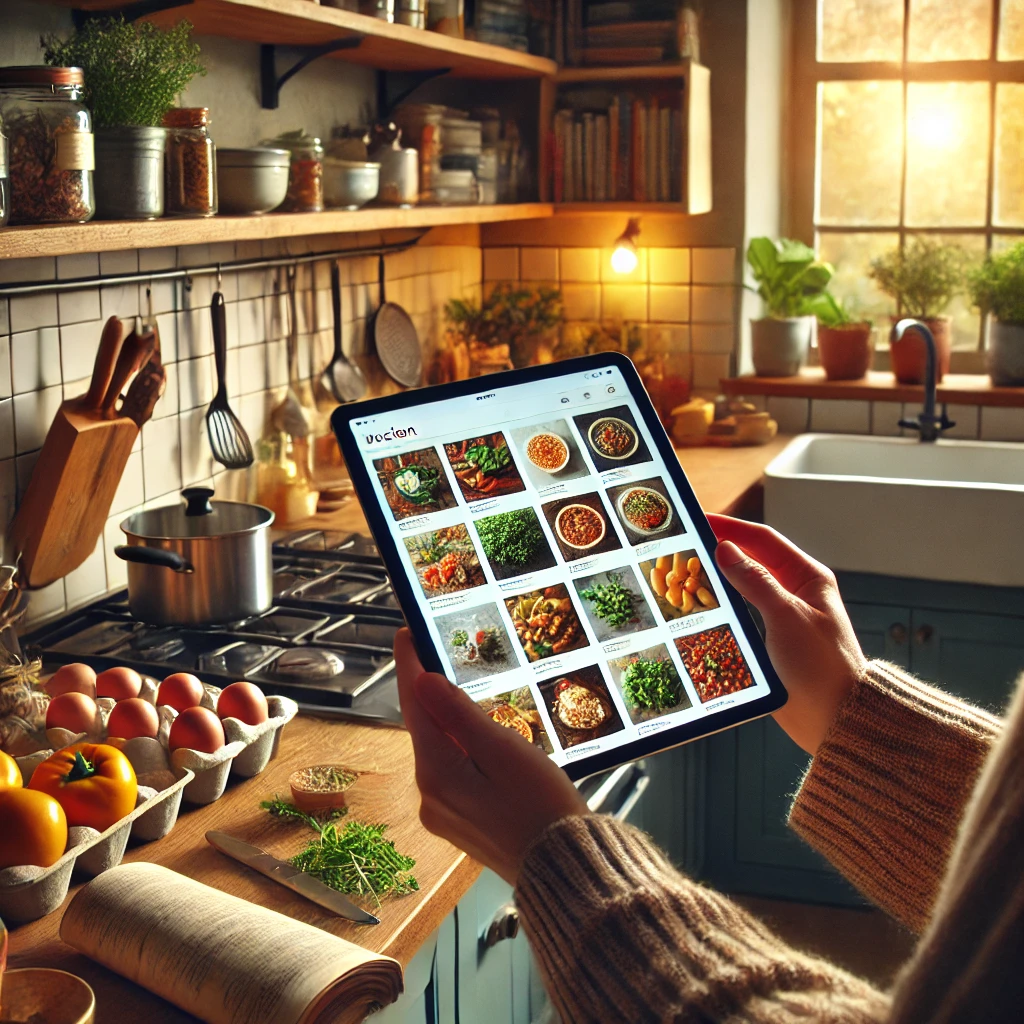
If you enjoy cooking, you've probably wasted time searching for a good recipe among dozens of repeated results. Recipe apps solve part of this problem: they gather dishes organized by ingredient, preparation time, and dietary restrictions, with photos, shopping lists, and step-by-step instructions. They don't replace hands-on cooking, but they significantly shorten the path between wanting to cook and having a finished dish.
In this article, we've compiled five recipe apps available in Brazilian app stores (Google Play and App Store) that work well for everyday use. All can be installed for free, but it's important to know from the outset that "free" almost always means... Free version with ads or with optional paid features. Below, we indicate, app by app, what is free and what requires payment.
Recipe apps for all tastes
Below are the five apps, with the ratings and number of downloads that appear on each app's page on Google Play Brazil at the time this text was reviewed (August 2026). These numbers change over time, so it's worth checking the store before installing.
1. Tasty Recipes
O Tasty Recipes, BuzzFeed's "The Guys" became known for his short, top-down videos that show the entire preparation process in under a minute. In the app, this format becomes a step-by-step guide: you watch the video and, alongside it, see the list of ingredients with quantities. It's especially useful for those who learn better by watching than by reading.
You can filter by meal type, time, difficulty, and dietary preferences, as well as save recipes in folders. On Google Play Brazil, the app has a 4.1 rating and over 10 million downloads; it's free and offers in-app purchases. Much of the content is translated, but some videos and ingredients still follow the North American standard—in some recipes you will need to adapt measurements and substitute items that are not sold here.
2. Cookpad: Homemade Recipes
O Cookpad It's less of a cooking magazine and more of a social network for home cooking: recipes are published by the users themselves, with real photos of the finished dish. This changes the type of content you find — there are many family recipes, regional adaptations, and "quick fixes" that don't appear on professional websites.
Since the content is collaborative, the quality varies: it's worth looking at the comments and the number of people who have already made the recipe before tackling a more elaborate dish. The app is on Google Play Brazil with a 4.5 rating, over 10 million downloads, and also on the Brazilian App Store. It's free, with an optional subscription that unlocks advanced search and extra features.
3. TudoGostoso Recipes
If your priority is a Brazilian recipe, with ingredients from Brazilian supermarkets and measurements in cups and spoons, then... Everything Delicious It's the most straightforward choice. It's the app from the website of the same name, one of the oldest in the country on the subject, and it features everything from cornbread and stroganoff to party dishes.
The app allows you to save favorites, create shopping lists, and see user reviews for each recipe. On Google Play Brazil, it has a 4.5 rating, over 690,000 reviews, and more than 10 million downloads, and is also available on the App Store. It's free to use and supported by ads—expect to see advertisements between screens.
4. ReciMe: Recipes and Planner
O ReciMe It has a different approach than previous ones: instead of just offering a ready-made catalog, it functions like a digital notebook. You save recipes you've found elsewhere—websites, videos, screenshots—and the app organizes everything in one place, with shopping lists and meal planning for the week.
It's the kind of tool that makes a difference for those who cook regularly and want to stop losing recipes saved across ten different apps. It appears on Google Play Brazil with a 4.8 rating and over 1 million downloads, without ads, but with in-app purchases: the most advanced planning features are available through a subscription.
5. Kitchen Stories
O Kitchen Stories It features carefully photographed recipes and a guided cooking mode that advances step by step with a timer at each stage. According to the description on the store, there are over 10,000 recipes, with filters for vegetarian, vegan, gluten-free, and low-carb options.
One practical detail: the app automatically adjusts the quantities when you change the number of servings, which avoids mental calculations in the middle of preparation. On Google Play Brazil, it has a rating of 3.9 and over 1 million downloads, with ads and in-app purchases. The interface is in Portuguese, but being a German app, some recipes use European ingredients that require substitution.
What do these apps actually deliver?
It's important to align expectations. A recipe app provides organization, search functionality, and step-by-step instructions—and that's already quite a lot. What it offers... no The key is to ensure the dish turns out exactly like the photo: the stove, the pan, the heat level, and the quality of the ingredients remain your responsibility. Collaborative recipes, in particular, can have quantity errors; checking the comments before starting saves frustration.
Another point is the business model. None of these apps charge for installation, but almost all of them offer something for the paid version — ad-free search, meal planner, exclusive collections. Before subscribing to any of them, use the free version for a few weeks: in most cases, it already covers home use.
Finally, pay attention to dietary restrictions. The "vegan," "gluten-free," or "lactose-free" filters are based on recipe classification, not nutritional analysis. If you have allergies or celiac disease, read the full ingredient list and check the product label—the app's filter does not replace this verification or guidance from a nutritionist or doctor.
How to choose the ideal recipe app
There is no single best recipe app: it's about finding the one that suits your cooking style. If you want to learn by watching, start with Tasty or Kitchen Stories, which are strong on video and step-by-step guided instructions. If you're looking for everyday Brazilian food, TudoGostoso and Cookpad are better options.
If your problem isn't a lack of recipes, but rather an excess of scattered recipes, ReciMe is the most suitable tool, because it was designed precisely for gathering and planning. And nothing prevents you from combining two: one to discover new dishes and another to save the ones that worked.
One last practical tip: before installing, check the app's page to see how much space it takes up, whether it requires creating an account, and what permissions it asks for. A recipe app doesn't need access to contacts, microphone, or precise location to function.
Conclusion
Tasty Receitas, Cookpad, TudoGostoso, ReciMe, and Kitchen Stories adequately cover the main profiles of those who cook at home: those who learn through video, those looking for Brazilian recipes, those who cook routinely, and those who like to organize. All are available in official Brazilian app stores and can be tested free of charge.
Install one, use it for a few weeks, and see if it really fits into your routine before considering any subscription. If it doesn't fit, uninstall it without hesitation — the best recipe app is the one you actually open when you're cooking.