Apps to find out who visited your profile: why none of them work
Few questions generate as much curiosity on social media as this one: who has been visiting my profile? The search for an app that reveals this is enormous — and that's precisely why there are hundreds of apps and websites promising the answer. But there's a problem: none of them deliver on their promises.
It's not a question of whether the app is good or bad. Instagram, Facebook, WhatsApp, and TikTok simply... They neither register nor make available This information is for external programs. There is no API, no loophole, no trick. Every application that claims to show your visitors is making up names or trying to steal something from you. In this article you will understand why this is the case, how these applications make money off this curiosity, what to do if you have already installed one of them, and what official metrics actually exist.
Why doesn't any app show who visited your profile?
Third-party applications can only see what the social network itself decides to deliver, through a public interface called an API. It's like a window: what's not in the window, nobody outside can see. And "list of who viewed your profile" has never been in that window on any of the major platforms.
What Instagram really shows
Instagram shows you who viewed your posts. Stories — and that's it. The list is available while the story is live (24 hours) and for a short period in the archive. After that, it disappears, and even you can't retrieve it. In Highlights, after this period, the view count no longer identifies who viewed it.
Profile visits, on the other hand, are never identified. Professional accounts see this in the dashboard. Information How many people visited the profile in a given period — an aggregated number, without names, photos, or lists. Instagram's own help center states in its text that the platform does not allow you to know who viewed your profile.
What Facebook really shows
Facebook is even more explicit: there's an official article in the Help Center stating that Facebook doesn't allow anyone to track who views your profile, and that third-party apps claiming to do so should be reported. On professional pages and profiles, what exists are aggregated statistics on reach and interaction—never the identity of who visited the site.
WhatsApp and TikTok
On WhatsApp, you can see who has viewed your message. Status, ...as long as you haven't disabled read receipts. Other than that, there's nothing: the app doesn't track who has viewed your profile picture. TikTok does have an official "profile views" feature, but it only works if... the two people If you have browsing history enabled—meaning that to see who has logged into yours, you need to make it visible when you log into others'. It's reciprocal by definition.
The exception: LinkedIn
There's a social network where "who viewed your profile" is a real and official feature: LinkedIn. And it's worth noting how it works. Those who browse in private mode appear anonymous, and those who choose to browse this way lose the right to see their own list of visitors. In other words, even where the feature exists, it's transparent and reciprocal—nothing like what "profile spying" apps promise.
How these apps make money from your curiosity.
If the information doesn't exist, what exactly do these apps deliver? Basically, three business models, all bad for you.
1. Subscription with a free trial that cannot be cancelled.
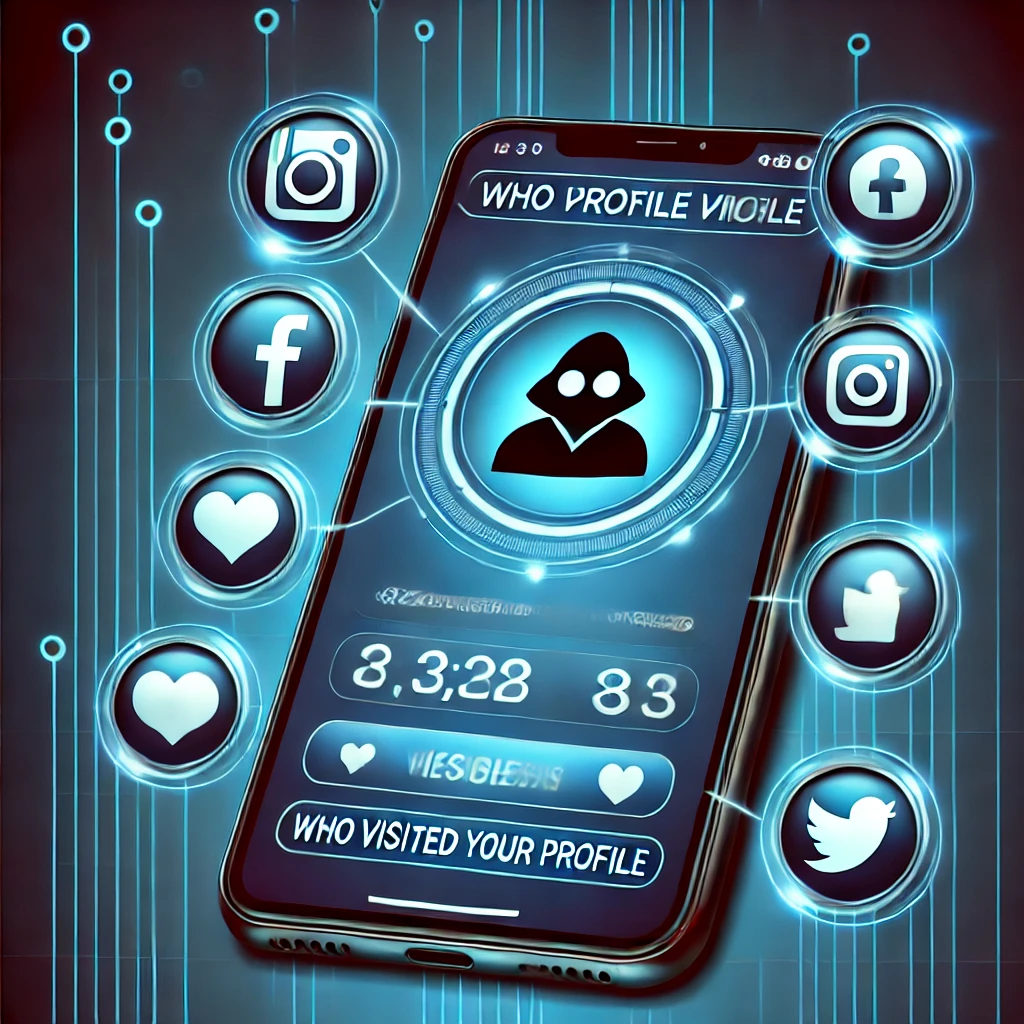
The app opens, shows blurred silhouettes, and says you have “12 visitors” waiting. To see the names, you need to subscribe—usually a three-day trial that turns into an automatic weekly or monthly charge. The names revealed, when they appear, are usually randomly selected from your own followers. It's the same logic as "who blocked you" apps: invent plausible data and charge for it.
2. Credential theft
This is the most dangerous one. The website or app asks you to log in with your social media username and password. inside it, And not through the official authorization button. From there, whoever controls the service has total access to your account: they can change the password, post in your name, scam your contacts, and sell the profile. This is the origin of a large portion of hacked accounts in Brazil.
3. Collection and resale of your data
Some of these apps request access to your contact list, storage, and permissions that have no relation to their advertised function. In this case, the product is you: your contact list, usage habits, and device identifiers are worth money in the data market. Add to that the excessive advertising, and you have the complete package.
It is also worth noting that many of these services operate on the border of Article 154-A of the Penal Code, This refers to the invasion of computer devices. When the goal is to snoop on someone else's account, it's not just a useless app: it's conduct that can lead to criminal prosecution.
How to recognize one of these apps in 10 seconds
Save this list. If the app or website displays any of these signs, close the page:
- It asks for your social media username and password within the app or website itself.
- It promises to show you profile visitors, "stalkers," or who has blocked you.
- Shows blurry photos and charges to "develop" them.“
- It uses countdown timers or "last chance" warnings to encourage you to sign up quickly.
- It has a name similar to the official social network, but it is not published by the company that owns it.
- Requests access to contacts, photos, or accessibility without any justification.
- It needs to be installed outside of the Play Store or App Store, via an APK file.
What to do if you have already installed one of these apps.
If you recognized this situation, do this sequence today. It takes less than ten minutes.
- Uninstall the app From the cell phone.
- Change your password of the social network involved — and of any other service where you used the same password.
- Close the open sessions. On Instagram: Settings > Account Center > Password and security > Where you signed in. On Facebook, the equivalent path is Settings > Security and login.
- Revoke access for third-party apps. in Settings > Apps and websites and remove anything you don't recognize.
- Enable two-step authentication., preferably using an authenticator app instead of SMS.
- Cancel your subscription. On Android: Play Store > profile photo > Payments and subscriptions. On iPhone: Settings > [your name] > Subscriptions. Uninstalling the app does not cancel the charge.
- If the charge continues, dispute it with your card issuer and file a complaint with the [company name/organization]. consumer.gov.br.
The metrics that actually exist.
If your intention is to understand the audience that consumes your content, there is an official, free, and much more informative way than a list of curious people.
On Instagram, switch to a professional account (Content Creator or Business) and open the dashboard. Information. It shows accounts reached, accounts with engagement, profile visits, clicks on the bio link, age range, cities, and times when your followers are online. Everything is aggregated and anonymous, as required by law—but truly useful for deciding what and when to post.
On Facebook, the equivalent is... Meta Business Suite, This brings together statistics from the page and the linked Instagram account. And, if you have a website, Google Analytics shows where visits are coming from, how long people stay, and which pages generate the most revenue.
One detail that usually resolves the original question: those who truly interact with you appear alone. Likes, saves, shares, replies to Stories, and direct messages are the real sign of interest. The list of "silent visitors" that apps promise wouldn't tell you anything more than that.
How to make your profile more secure
Since the topic is control over one's online presence, it's worth taking the opportunity to close the right doors:
- Activate the two-step authentication on the networks you use
- Periodically review the list of authorized applications and remove what you no longer use
- Check out the list of connected devices Take charge of your account and take down the strangers.
- Leave the profile private if your goal is not achieved
- Use the list of Best friends From Instagram to more personal Stories
- Block or restrict Annoying accounts: In restricted mode, the other person cannot see when you are online or if you have read their messages.
- Never log in to external services using usernames and passwords entered within those services.
Conclusion
The short answer is the most uncomfortable: there is no app capable of showing who visited your Instagram or Facebook profile, because these networks neither store nor share this data. Every app, website, or extension that promises this is inventing names to sell subscriptions, trying to capture your password, or collecting your data. It's not a matter of choosing the best in the category—the entire category doesn't work.
What you can do is much more useful: use the official statistics of your professional account, activate two-step authentication, review the authorized applications, and adjust who sees your content. If you have already installed one of these "profile trackers," follow the step-by-step instructions in this article, cancel the subscription, and change your password today. Questions about your account security? Write to [email address/contact information]. contato@noticiatecnologia.com.